What's available in the Profitroom dashboard and the Room Profit dashboard
If you have been using Profitroom for a while you know its Central dashboard. If you have just added Room Profit modules, you now also have a Room Profit dashboard. This page shows what lives where.
Inside the Profitroom Suite dashboard
- PMS grid. Room inventory, arrivals, in-house, departures.
- Reservations. New booking, folio, guest profile, invoice.
- Rate Manager. Rate plans, restrictions, derived rates.
- Distribution. Channel mapping, mapping health, overbooking guards.
- Reputation. Reviews inbox, sentiment scoring.
- Guest. CRM with basic segmentation and pre-arrival email.
- Booking Engine. The native Profitroom direct-booking widget.
- Reports. Occupancy, ADR, RevPAR, source-of-business.
- API section. Where you generate the token Room Profit uses.
Inside the Room Profit dashboard
- Modules. Turn each purchased module on or off, per property.
- Autopricer. Rate rules builder, one-click publish to Profitroom.
- WhatsApp Concierge. Template library, message inbox.
- Widget. CSS theming, promo codes, upsell configuration.
- Analytics. Cost of distribution dashboards, exports.
- VAT. Faktura VAT preview, JPK_VAT export.
- Housekeeping. Room-type checklist templates.
- Multi-property. Master rate grid across the portfolio.
- Reviews. AI draft approval queue.
- Google Hotels. Free Booking Links health, Hotel Ads spend.
- CRM. Segments, loyalty tiers, campaign builder.
- Settings → Integrations. Profitroom API key rotation, webhooks.
- Settings → Team. Users, roles, SSO metadata.
- Settings → Billing. Invoices, plan changes, VAT setup.
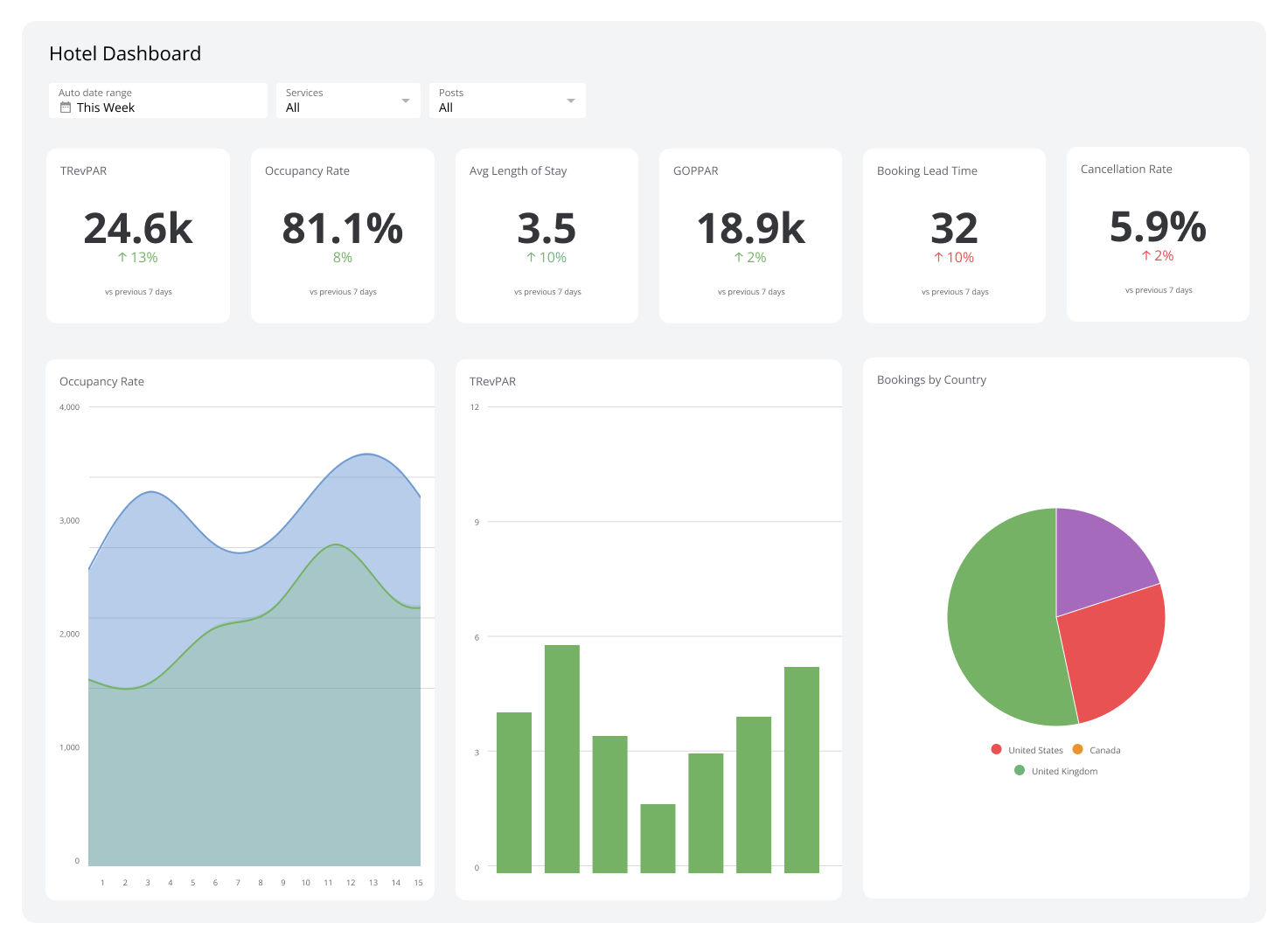
How the two dashboards talk
Room Profit reads from and writes to Profitroom Suite through the official Profitroom API. Reads happen on-demand (when you open a screen) and on schedule (Autopricer polls competitor rates hourly, the CRM refreshes segments overnight). Writes happen when you click an action that publishes back to Profitroom — approving a new Autopricer tariff, posting a review reply, sending a WhatsApp template. Nothing is written back to Profitroom without explicit approval.
If you disconnect Room Profit at any time (Settings → Integrations → Disconnect), Profitroom keeps running exactly as before. Room Profit never becomes a mandatory piece of your Profitroom stack.